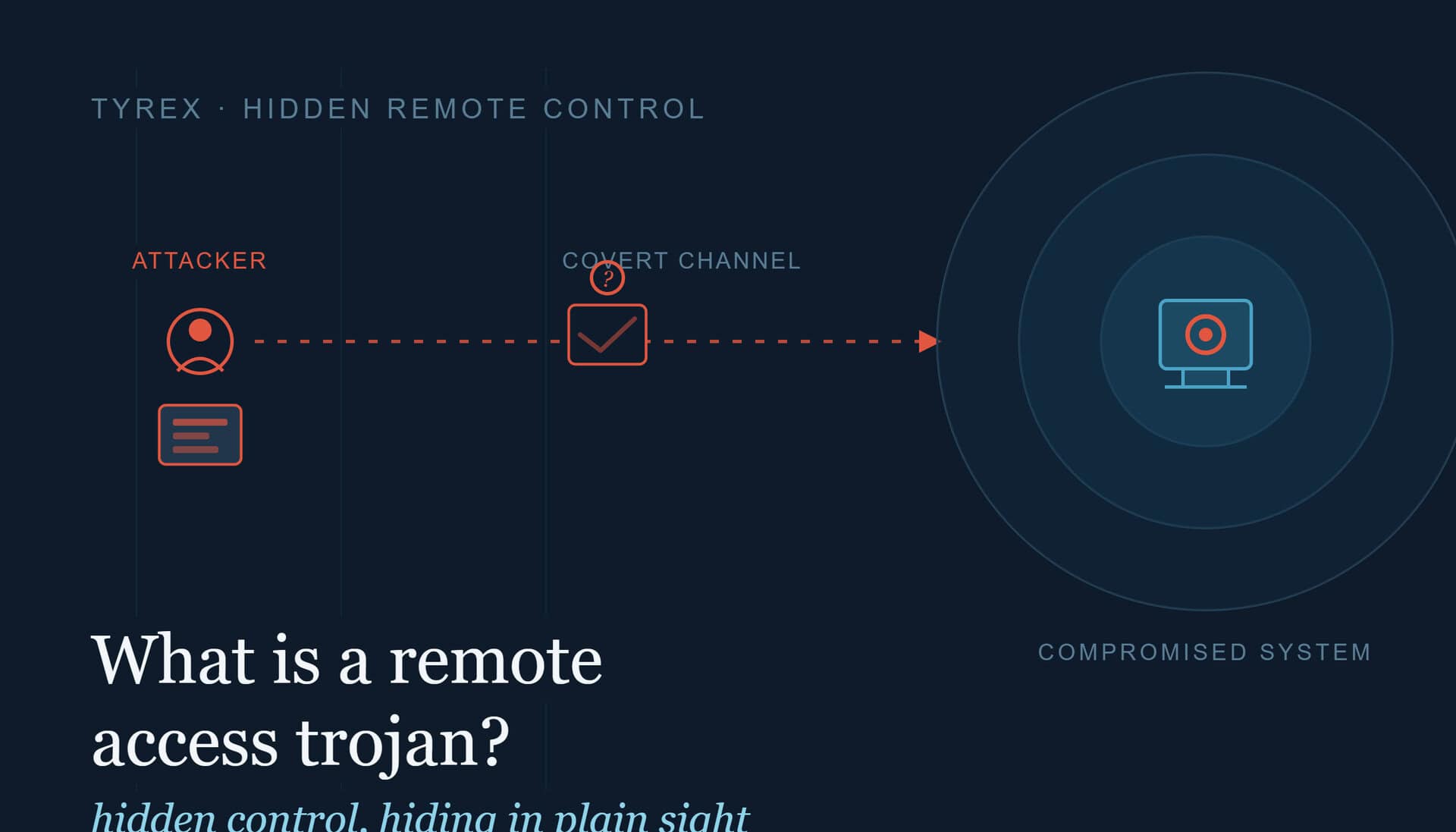

A remote access trojan, or RAT, is a type of malware that gives an attacker hidden, remote control over a computer or network. Once installed, it hands the attacker much the same power a legitimate administrator would have: reading files, capturing keystrokes, switching on cameras and microphones, installing further malware, and moving through connected systems. The difference is that it does all of this silently, without the owner’s knowledge or consent.
What makes a RAT dangerous is not just what it can do, but how long it can do it for. A well-built RAT is designed to stay hidden, which means an attacker can hold quiet control of a system for weeks or months. This guide explains what a RAT is, how it works, the ways it is delivered, and how to detect and defend against one, including in the industrial and air-gapped environments that face this threat most acutely.
What a remote access trojan is
The “trojan” in the name is the important part. Like the wooden horse of the Trojan War, a RAT gets into a system by appearing to be something harmless or useful, then reveals its real purpose once inside. The victim is tricked into installing it, and from that point the attacker has a foothold.
The remote-access idea is not malicious in itself. IT administrators use legitimate remote-access tools, such as Remote Desktop Protocol (RDP) and various support applications, to manage machines they cannot physically reach. A RAT provides the same remote control, but it is installed without permission and built to stay concealed. The industry draws the line clearly in its language: “remote access tools” for legitimate use, “remote access trojans” for the criminal kind.
Because a RAT gives full control rather than just stealing one thing and leaving, it is one of the most flexible tools an attacker can have. The same infection can be used to spy, to steal, to spread, or to stage a larger attack later.
What a RAT can do once installed
The capabilities vary by RAT, but a capable one typically allows an attacker to:
- Take full remote control of the desktop, including mouse, keyboard, and running applications.
- Log keystrokes to capture passwords, banking details, and other credentials, often by pairing the RAT with a keylogger.
- Access files to read, copy, alter, or delete data, and to exfiltrate sensitive documents to a remote server.
- Activate hardware such as webcams and microphones, turning a device into a surveillance tool.
- Install or remove software, including additional malware or ransomware.
- Use the machine as a proxy, routing criminal activity through the victim’s device to hide the attacker’s identity.
- Recruit the device into a botnet for large-scale attacks such as distributed denial-of-service (DDoS) campaigns.
A single RAT infection can therefore escalate quickly, from a quiet foothold into full compromise of an account, a device, or a wider network.
How a remote access trojan works
A RAT has to be installed before it can do anything, so the attacker’s first job is to get the victim to run it. Once installed, the RAT hides itself, often disguising its processes so they do not stand out in the system’s task list, and opens a channel back to the attacker. From there the attacker issues commands remotely, choosing moments when the user is unlikely to notice, such as outside working hours.
The stealth is the point. A RAT is written to avoid anti-malware detection and to blend in with normal activity for as long as possible. The longer it stays hidden, the more the attacker can extract, and the more they can explore the network for other systems and credentials to target next.
How RATs are delivered
A RAT only becomes a threat once it reaches a system, so understanding the delivery routes is central to defending against it. The common methods are:
- Phishing emails. A malicious attachment or link, often a document that installs the RAT when opened, remains one of the most common routes.
- Malicious macros. A Word or Excel document that, once macros are enabled, silently downloads and installs the RAT.
- Trojanised software. A RAT bundled inside what looks like a legitimate application, download, or software update.
- Compromised websites. Drive-by downloads that install the RAT when a user visits a hacked or malicious page.
- Removable media. A USB drive or other portable device that carries the RAT across a physical boundary directly onto a system.
Most guides to RATs concentrate on the first four, all of which arrive over the internet. The fifth deserves more attention than it usually gets, because it is the route that reaches the systems the others cannot.
The delivery route that reaches isolated systems
Every delivery method above except removable media depends on a network connection. That matters because some of the highest-value targets for a RAT are deliberately kept off the network altogether.
Industrial control systems, utilities, defence programmes, and other critical infrastructure often run on air-gapped networks, physically isolated from the internet precisely to keep threats like RATs out. But isolation creates its own problem: data, updates, and engineering files still have to get in somehow, and in practice that means removable media carried in by hand. A USB drive crosses that boundary physically, bypassing the firewalls and email filtering that would otherwise stand in the way. If an attacker wants to place a RAT on an isolated system, a removable device is often the only way in, which makes it the route of choice.
This is not theoretical. The Stuxnet attack on Iran’s nuclear facilities reached its air-gapped targets on infected USB drives, a case the US Cybersecurity and Infrastructure Security Agency (CISA) documented in its advisory on Stuxnet, noting that USB drives are popular for moving files between computers and that Stuxnet and similar malware take advantage of them to propagate. The Agent.btz worm breached classified US military networks the same way, spreading through removable media into systems that were never connected to the public internet. The UK’s National Cyber Security Centre (NCSC) makes the same point in its guidance on operational technology malware, noting that Stuxnet was designed to spread via removable media and could have been partially mitigated by removable media controls.
The lesson is consistent across all of these: where a network defence cannot reach, the removable device becomes both the weak point and the control point.
Notable examples of RATs
RATs are not a single piece of software but a whole category, and new variants appear regularly. A few well-known names illustrate the range:
- Back Orifice. One of the earliest, released in the late 1990s, targeting Windows systems.
- DarkComet and PoisonIvy. Widely used RATs that brought more advanced capabilities and were deployed in both criminal and espionage campaigns.
- Blackshades. A self-propagating RAT that spread through infected users’ social-media contacts and was used to build botnets.
- CrossRAT. Notable for being cross-platform, able to target Windows, macOS, Linux, and Solaris.
- State-sponsored RATs. Advanced persistent threat (APT) groups have used custom RATs for data exfiltration against government and military targets.
The specific names change over time, but the underlying pattern, hidden remote control, stays the same.
How to detect a RAT
Because RATs are built to hide, detection is difficult, and even trained professionals and anti-malware tools can miss one. There is no single reliable symptom, but warning signs include:
- Unexplained slowdowns, as the RAT consumes processing power in the background.
- Antivirus software failing or crashing repeatedly, which can indicate interference.
- Unfamiliar files or processes that were not intentionally installed.
- Web pages redirecting or failing to load without another explanation.
- A webcam indicator light activating when no camera application is in use.
None of these confirms a RAT on its own, and a well-built one may show no symptoms at all. This is why prevention matters more than relying on spotting an infection after the fact.
How to defend against RATs
No single measure stops every RAT, so effective defence is layered. Sensible steps include:
- Keep anti-malware and software updated, closing the vulnerabilities RATs exploit and improving the odds of detection.
- Filter email and train staff, since phishing and malicious attachments remain the most common delivery route. People who pause before clicking stop many RATs at the door.
- Restrict software sources, avoiding downloads and installers from untrusted origins.
- Monitor for unusual behaviour with intrusion detection and endpoint monitoring, watching for the network activity a RAT generates.
- Apply zero-trust principles, treating devices and connections as untrusted until verified.
- Control and inspect removable media at the point it enters trusted systems, so a RAT carried in on a device is caught before it can install.
That final step is the one most often overlooked, and it is decisive in exactly the environments where a RAT would do the most damage. In air-gapped and industrial settings, where the network-based defences above cannot reach, inspecting every device before it connects is often the only control standing between an attacker and an isolated system.
This is the problem Tyrex is built to address. Tyrex designs USB decontamination stations that scan removable media on a dedicated, isolated system before it is allowed near a protected network, catching malware, including RATs, carried in on a device. For organisations running air-gapped or OT environments, it closes the removable-media path that isolation alone leaves open. For more on that specific risk, see our guide to air-gapped network security.
Frequently asked questions
What is the difference between a RAT and a keylogger? A keylogger has one job: recording keystrokes to steal credentials and other typed information. A RAT gives full remote control of a system and can do far more, including logging keystrokes. Attackers often use the two together, a RAT to hold control and a keylogger to harvest passwords, but they are not the same thing.
Are remote access trojans illegal? The remote-control capability itself is not illegal; legitimate remote-access tools use it every day. What makes a RAT illegal is that it is installed without permission and used to control a system covertly. The line is consent and intent, not the technology.
Can antivirus software detect a RAT? Good anti-malware detects many known RATs, which is why keeping it updated matters. But RATs are specifically designed to evade detection, and a new or custom RAT may go unnoticed until signatures catch up. Layered defence, not antivirus alone, is the reliable approach.
How do RATs reach isolated or air-gapped systems? Since those systems are not on the internet, network-based delivery does not work. RATs reach them through removable media, a USB drive or similar device physically carried across the boundary, which is why controlling removable media is essential in these environments.
This article is for general information and does not constitute specific security or compliance advice. Organisations should assess controls against their own risk profile and current NCSC guidance.