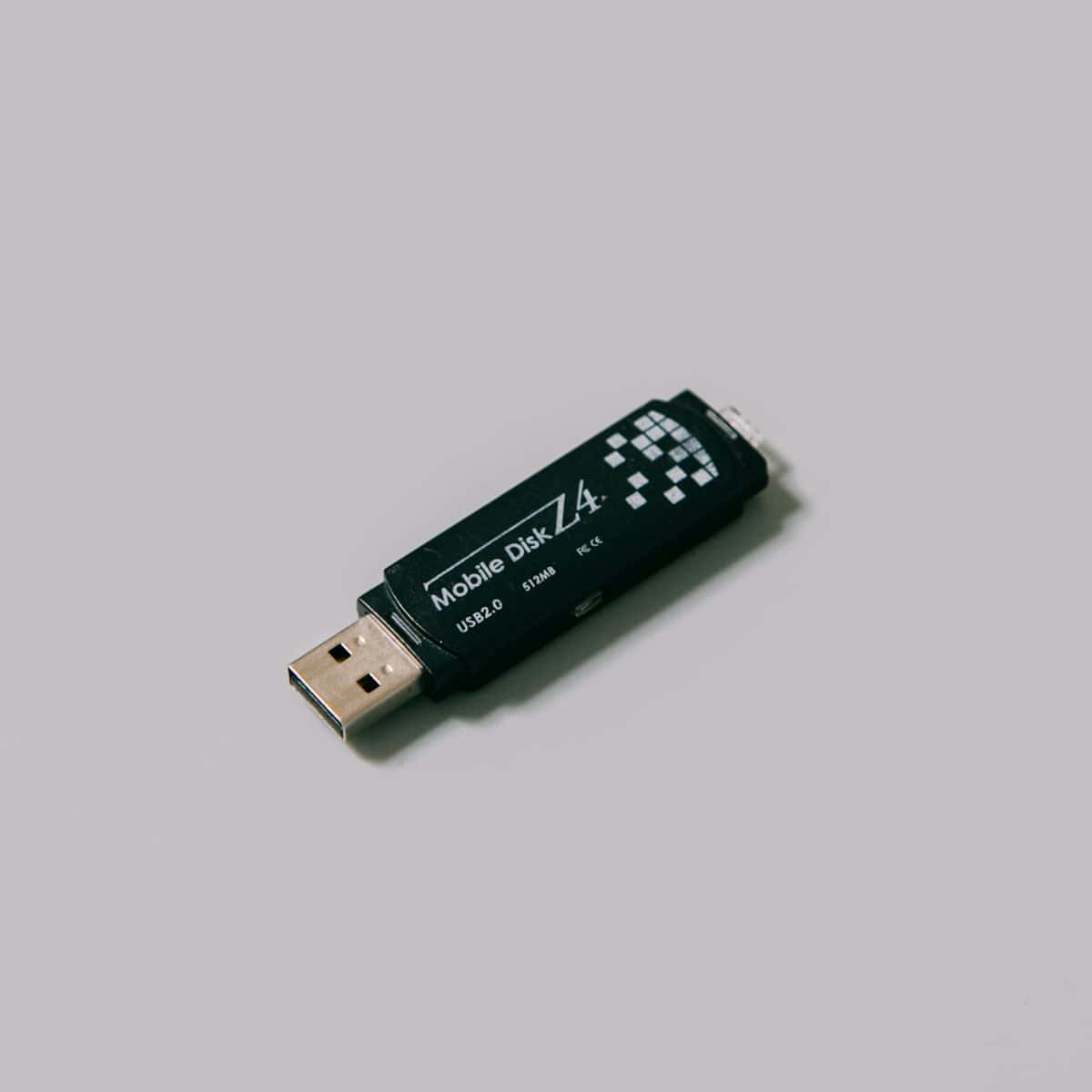

What is USB cybersecurity?
USB cybersecurity is the set of policies, technical controls, and day to day practices that reduce risk when an organisation uses USB devices and other portable media to move data. It treats removable media as a high trust pathway into systems because a drive can bypass network defences and deliver content directly to an endpoint. For UK organisations, the goal is usually practical rather than absolute. They want to keep legitimate work moving while sharply reducing the chance of malware, data leakage, or unauthorised access arriving through a device that looks harmless.
A strong USB cybersecurity programme covers two kinds of threat. The first is content risk, such as malicious documents, shortcuts, or executables on a drive. The second is device risk, where the hardware behaves in unexpected ways, such as a device that impersonates a keyboard or network adapter. Guidance from the US Cybersecurity and Infrastructure Security Agency (CISA) reflects the basics that still matter in many environments, including disabling Autorun and keeping protective software up to date. CISA: using caution with USB drives.
Key takeaways
- USB risk is broader than “viruses”, including rogue devices, firmware attacks, and accidental data leakage.
- The safest programmes combine policy, user training, endpoint controls, and high assurance scanning for high risk systems.
- In Operational Technology (OT) and air gapped environments, portable media is often the main transfer method, so workflow design is part of security.
USB threats in UK organisations: why portable media is still a security gap
USB devices are designed for convenience. Most operating systems recognise a device instantly, mount it, and let users open files with minimal friction. That convenience can become a blind spot. A drive may have passed through multiple laptops, contractors, and sites before it reaches the system that matters most. If a single point in that chain was compromised, the drive becomes a courier for risk.
Why USB still shows up in modern workflows
Portable media persists for reasons that are hard to remove. Contractors use it for diagnostics. Engineers move logs off equipment. Meetings still involve visitors and third parties. Remote sites and maritime environments can have limited connectivity. Even when cloud tools exist, some organisations choose physical transfer for controlled movement between networks. In these mixed environments, a simple ban often creates workarounds, which makes oversight and auditing harder.
The UK National Cyber Security Centre (NCSC) frames this as a mix of policy and technical controls for peripherals and external interfaces. Their guidance focuses on setting rules, reducing exposure where interfaces are not required, and managing risk when they are. NCSC: using peripherals securely.
Common USB attack paths
Most incidents still start with familiar patterns. A user opens an infected document. A tool copied from a drive is run without validation. A shortcut file redirects to a hidden payload. Attackers also use USB to reach systems with restricted network access, especially when there are third party support relationships. Alongside that, device level threats can bypass file scanning by behaving like trusted hardware.
BadUSB and device impersonation risks
BadUSB is a widely cited example of device risk. It describes attacks where a USB device’s firmware is altered so it no longer behaves like simple storage. It can impersonate a keyboard and type commands, or present as another accessory that the operating system trusts by default. The concept was presented publicly at Black Hat in 2014 by researchers including Karsten Nohl and Jakob Lell. Black Hat: BadUSB talk. This is one reason USB cybersecurity is not only about scanning files, but also about controlling what devices are allowed to connect and what they are allowed to do.
High assurance scanning and decontamination checkpoints
Some environments need a stronger boundary than endpoint scanning can provide. Defence, critical national infrastructure, and OT sites may have systems that are difficult to patch, difficult to monitor, or safety related. In those settings, organisations often add a dedicated scanning step before media is allowed near the protected network. In UK terminology this may be called a sheep dip. In other contexts it is described as a removable media scanning station.
Hardware based USB decontamination stations provide an explicit checkpoint at the front door of the network. Users scan media in an isolated environment before it reaches endpoints. This is valuable for air gapped systems because scanning can be performed without a live network connection. It also improves consistency. Instead of relying on users to run the right scan on the right workstation, the organisation creates a standard entry process that can be monitored, audited, and improved over time.
If you want to discuss options, contact Tyrex.
Action
If USB devices are part of daily operations, they deserve a designed process, not unofficial workarounds. Start by auditing current usage, tightening endpoint controls, and adding a dedicated scanning checkpoint for high risk environments.