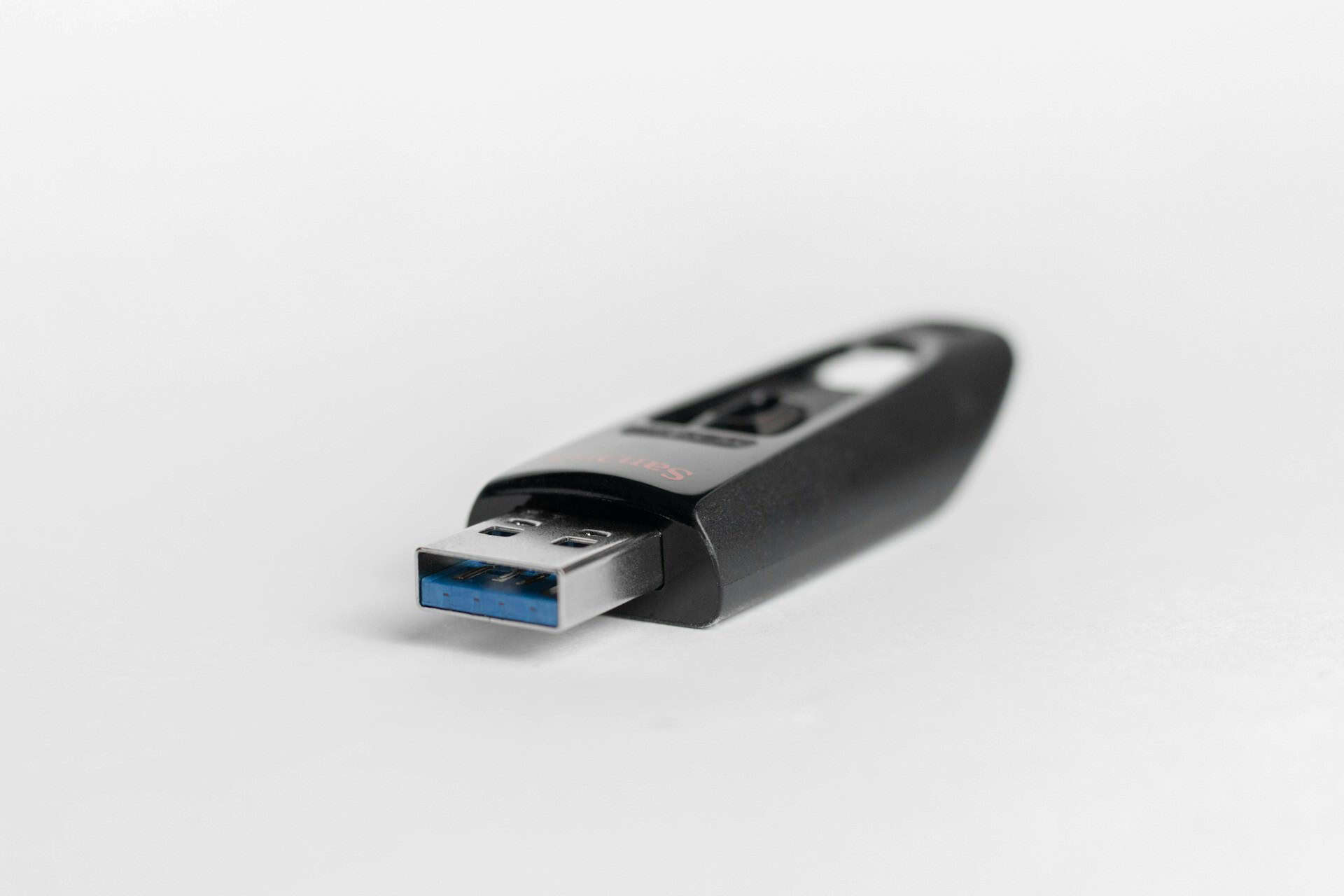

USB flash drives are one of the most widely used pieces of technology in the world. They are cheap, portable, compatible with almost every device, and require no setup. For moving files quickly, they remain the default choice in offices, industrial sites, and secure facilities alike.
That convenience comes with a significant downside. The same properties that make USB flash drives useful, portability, universal compatibility, and ease of use, also make them one of the most exploited attack vectors in cybersecurity. Understanding the security risks and practical disadvantages of USB flash drives is the starting point for managing them effectively.
A Quick Summary of USB Flash Drive Security Risks
| Risk | How it occurs | Who is most affected |
| Malware transmission | Infected drives used across multiple systems | All sectors, particularly industrial and OT |
| Data exfiltration | Files copied silently to portable media | Finance, healthcare, defence, government |
| Firmware attacks | Device firmware reprogrammed to impersonate trusted hardware | High-security environments, classified networks |
| Physical loss | Drive lost or stolen with unencrypted data | Any organisation handling sensitive files |
| USB drop attacks | Malicious drive left for a victim to find and connect | Corporate offices, secure facilities, high-footfall sites |
| Autorun execution | Files execute automatically on connection | Legacy systems and OT environments |
| Insider threats | Deliberate exfiltration by staff with device access | Regulated industries, IP-heavy organisations |
The Main Security Risks of USB Flash Drives
Malware Transmission
The most common and consistent USB security risk is malware. A USB flash drive that has been used across multiple machines, or that has come into contact with an infected system, can carry malware silently. When plugged into a new machine, that malware may execute automatically or activate when files are opened.
This is particularly dangerous in environments where USB drives move between sites, contractors, and organisations. A single infected drive passing through a facility can compromise multiple systems before the infection is detected.
USB-borne malware is not limited to simple viruses. Ransomware, spyware, remote access tools, and wipers have all been documented as delivered via removable media. As covered in our post on why USB devices remain one of the biggest hidden cyber threats, removable media consistently ranks among the primary attack vectors identified in enterprise and industrial cyber incidents.
Data Theft and Exfiltration
USB flash drives make it trivially easy to copy large volumes of data quickly and silently. An employee with access to sensitive systems can exfiltrate files on a device small enough to conceal in a pocket. There is no network traffic to monitor and no system log entry unless endpoint controls are in place.
This is both an insider threat and an accidental data loss risk. A drive containing sensitive files that is lost or left in a public place creates the same exposure whether the loss was deliberate or accidental.
Firmware-Level Attacks
Standard antivirus software scans the files stored on a USB drive. It cannot scan the firmware, the low-level code that tells a device what it is. A BadUSB attack exploits this gap by reprogramming a USB device’s firmware to make it impersonate a keyboard or network adapter. Once connected, the device injects keystrokes or redirects network traffic without the host system ever detecting it as a threat, because there are no malicious files to scan.
This category of attack is particularly difficult to defend against using software-only controls.
Physical Loss and Theft
USB flash drives are small enough to lose without noticing. A drive containing confidential files, financial data, or operational information that ends up in the wrong hands creates an immediate data breach, regardless of how secure the systems it came from were.
For organisations subject to GDPR, losing unencrypted data on a USB drive is a reportable incident with potential regulatory consequences.
USB Drop Attacks
A USB drop attack exploits human curiosity rather than technical vulnerabilities. An attacker leaves a malware-loaded drive in a location where someone is likely to find it, a car park, a reception area, a corridor. The finder plugs it in to see what is on it. The malware executes.
This attack requires no network access and no technical knowledge on the part of the victim. It bypasses perimeter security entirely by going through the human layer.
Autorun Execution
On systems where autorun is enabled, plugging in a USB drive can trigger automatic execution of files on the device without any user action beyond the physical connection. While modern operating systems have reduced autorun functionality, legacy systems, common in industrial and operational technology environments, may still be vulnerable.
Practical Disadvantages Alongside the Security Risks
Beyond the security concerns, USB flash drives carry practical limitations that compound the risk in professional environments.
They are fragile and prone to physical failure. Data stored only on a USB drive with no backup is at risk from hardware failure as much as from theft. They have no native access controls; anyone who finds a drive can access its contents unless encryption has been applied by the user, which is inconsistently done. And their portability, while useful, makes them difficult to track and inventory at scale.
For organisations trying to maintain oversight of what data is moving where, a USB drive is inherently difficult to govern compared to network-based transfer methods.
Managing USB Flash Drive Risks Effectively
Acknowledging USB risks is only the first step. Effectively mitigating them requires a layered defence combining robust policy, technical controls, and specialised hardware enforcement.
1. Establish a Removable Media Policy
A formal security policy sets the baseline for your entire organisation. It defines which devices are permitted, under what circumstances they can be used, and the mandatory protocols required before they connect to any organisational system. Without this policy, technical controls lack context and enforcement becomes inconsistent.
2. Enforce Data Encryption
Data stored on USB drives must be encrypted to protect against physical loss or theft. Encryption ensures that if a drive is misplaced, the data remains entirely unreadable without the decryption key.
3. Implement Endpoint Controls
Endpoint management tools should be used to restrict which specific devices are permitted to connect to the network. These tools log all USB activity, providing critical visibility into data movement that is otherwise entirely absent.
4. Deploy Hardware-Based Scanning (The “Sheep Dip” Approach)
For environments handling highly sensitive data, the most effective technical control is hardware-based scanning at the point of use (also known as the Sheep Dip approach).
Before reaching any host system, every USB device is inspected within an isolated hardware environment. This method addresses malware transmission, firmware-level exploits, and unknown payloads that typically bypass standard endpoint antivirus. This mimics the “sheep dip station” approach trusted by defense and high-security industrial sectors.
Featured Solution: Tyrex K-REX Stations
Tyrex K-REX stations provide a seamless, hardened solution for hardware enforcement:
- Multi-Engine Defense: Runs five antivirus engines and two anti-malware engines simultaneously.
- Maximum Isolation: Operates fully offline within a hardened environment, eliminating network risk.
- Audit-Ready: Automatically produces a comprehensive scan log for compliance.
- Zero Friction: Requires no software installation on the host system and zero technical expertise from the end user.
The Bottom Line of USB Flash Drive Security
USB flash drives are not going away. The convenience they offer is too significant for most organisations to eliminate them entirely, and in many environments they are operationally necessary.
The answer is not to ban them. It is to treat every device as untrusted until it has been scanned, to encrypt sensitive data before it leaves the network, and to maintain policy and audit controls that give visibility over what is moving where.
Protect Your Network at Every USB Connection Point
Find out how Tyrex USB scanning stations address the security risks of removable media across enterprise, industrial, and defence environments.